
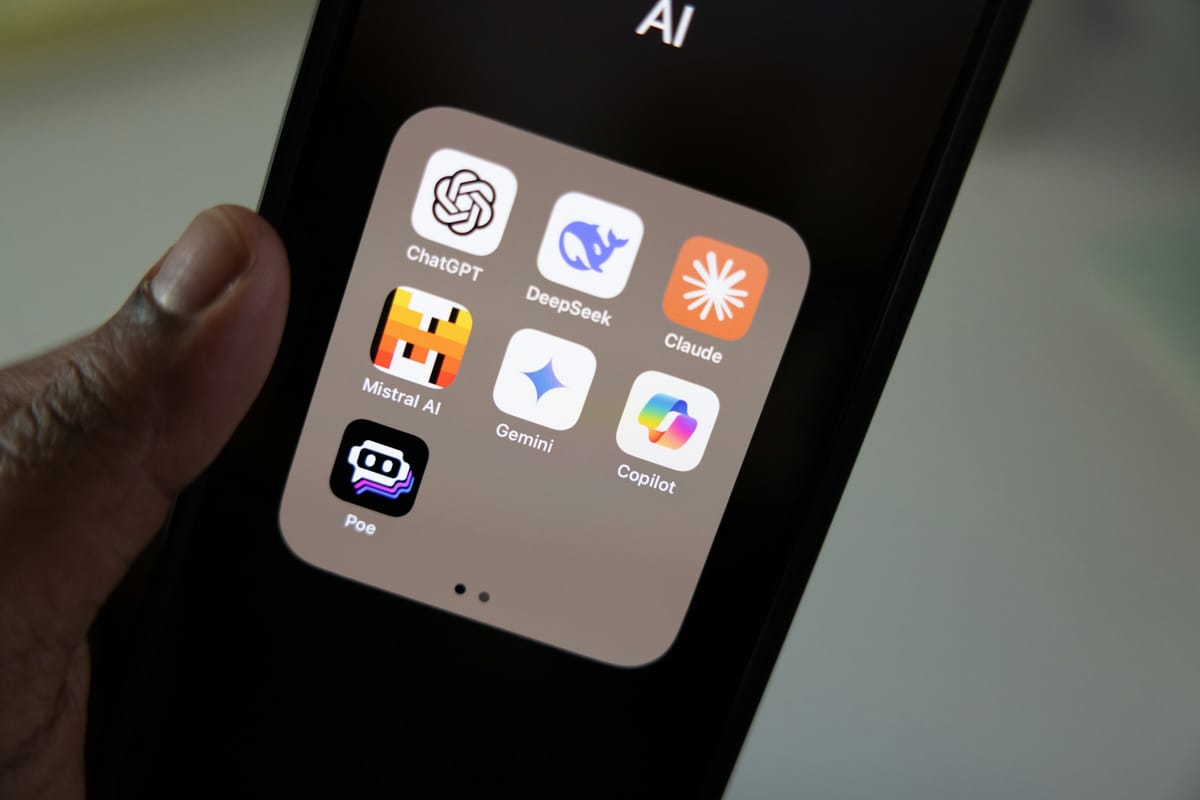
Uristocrats aren't just cultural observers - They also work. Some of y'all work in marketing, brand strategy, creative agencies, product, consulting, media. And in March 2026, the professionals pulling ahead in those rooms are showing up more prepared, writing more clearly, moving faster without sacrificing depth, and consistently have the sharpest take in the room. A lot of them are using Claude.
Here's how to weave it into your actual workday.
Before Your First Meeting: Get Briefed Like a Pro
You've got a 9 AM with a brand partner, a client, or a new collaborator. You've got fifteen minutes. Instead of skimming their LinkedIn and hoping for the best, open Claude.
"I'm meeting with [Company X] today — they're a [describe them briefly]. Help me understand their positioning, potential pain points, and smart questions I could ask."
You'll walk in with context. More importantly, you'll walk in with questions — and asking a sharp question is almost always more impressive than having a rehearsed answer.
Email and Slack: The Invisible Time Sink
The average professional burns hours every week on communication that should take minutes. Claude is exceptionally good at helping you write with speed and precision.
The move: paste your rough draft or bullet points and say, "Clean this up. Keep my voice, make it tighter, and make sure the ask is clear."
Or flip it: "I received this email and I'm not sure how to respond — here's the context. Help me draft something that's direct but not cold."
Navigating ambiguous professional communication — the email from a difficult stakeholder, the follow-up after a meeting that went sideways, the decline that still keeps the door open — is where Claude earns its keep.
Decks and Docs: Think First, Then Write
The mistake most people make with AI is using it to skip the thinking. The ones who get real value use it to accelerate the thinking they've already started.
When you're building a deck, start by telling Claude your argument: what's the core idea, who's the audience, what do you want them to do or believe by the end? Then ask it to punch holes in your logic, suggest a sharper structure, or help you articulate the section you've been stuck on.
For written documents — briefs, proposals, recaps — Claude is a strong editor. Give it your draft and a specific note: "This section is too vague," "the tone is too formal for this client," or "I'm burying the lead — help me find it." Specific feedback requests get specific, useful responses.
Research That Doesn't Take All Day
Whether you're benchmarking competitors, preparing a pitch, or trying to understand a market you're less familiar with, Claude compresses research time significantly.
Ask it to explain concepts you should know but don't: brand equity, category dynamics, the history of a particular market segment. Ask it to compare: "How do luxury brands typically handle brand extensions versus how streetwear brands do it?" Ask it to pressure-test your assumptions: "I think [X] is happening in the market right now — what evidence would support or challenge that?"
The goal isn't to outsource the thinking. It's to arrive at the thinking faster so you can spend more time applying your actual judgment — which is the part no AI can replicate.
Preparing Talking Points Before the Big Moments
Presentation coming up. Panel. New client pitch. Performance review. These are the moments where preparation separates good professionals from sharp ones.
Use Claude to run a simulation: "I'm presenting this strategy to a skeptical executive audience. What objections are they most likely to raise, and how should I address them?"
Or use it to stress-test your narrative: "Here's my argument. Where is it weakest? What would someone who disagrees say?"
Walking into high-stakes moments having already sparred with a smart counterargument makes you markedly more confident and more credible.
End-of-Day Brain Dump
Here's an underrated use case: closing the loop on a chaotic day.
When you're trying to figure out your priorities for tomorrow, or you have a decision you keep circling without resolution, talk it through with Claude. Dump the context, explain what you're wrestling with, and ask it to help you think it through.
"Here's what happened in this client situation today. I'm trying to figure out the right next move. Here are the options I'm weighing — help me think through the tradeoffs."
It won't make the call for you. But having to articulate the problem clearly enough for Claude to understand it often clarifies the problem itself. It's like rubber duck debugging, except the duck actually talks back.
Claude doesn't give you a shortcut on the judgment. What it does is clear the brush so your judgment has more room to operate. Less time spent on first drafts, background research, and communication overhead means more time spent on the parts of the work that actually require you.
Claude is available at claude.ai on web, mobile, and desktop — no complicated setup required. Start with one use case from this list and build from there.
Comments